 AmSo Compare

AmSo Compare
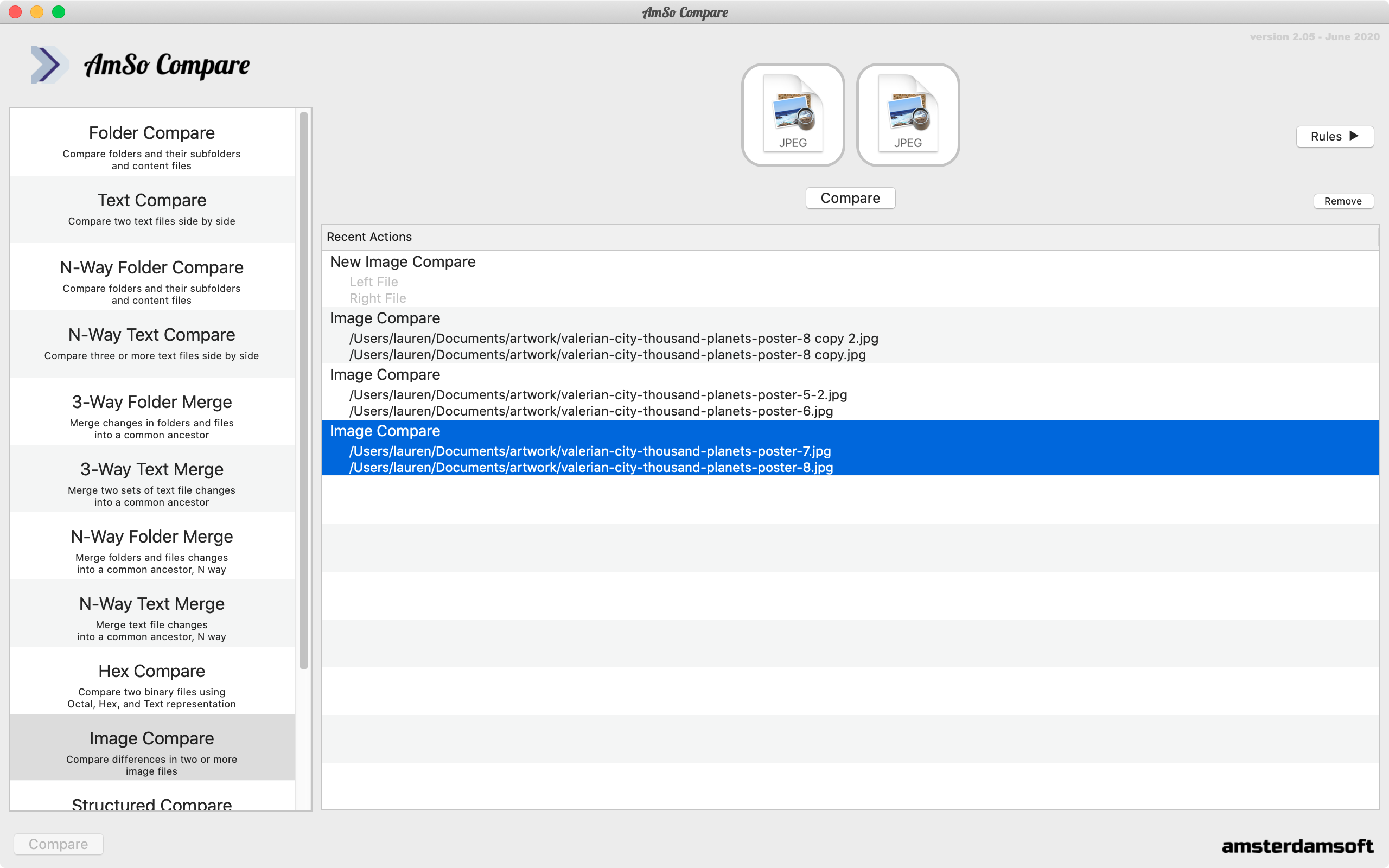
AmSo Compare is a tool designed to compare and merge differences in folders and files. It can be used on its own as it features multiple file views and inline editing, or integrated into popular IDE and source control systems, such as Git. It also supports latest MacOS features, such as the Dark mode.
Compare Folders and Files
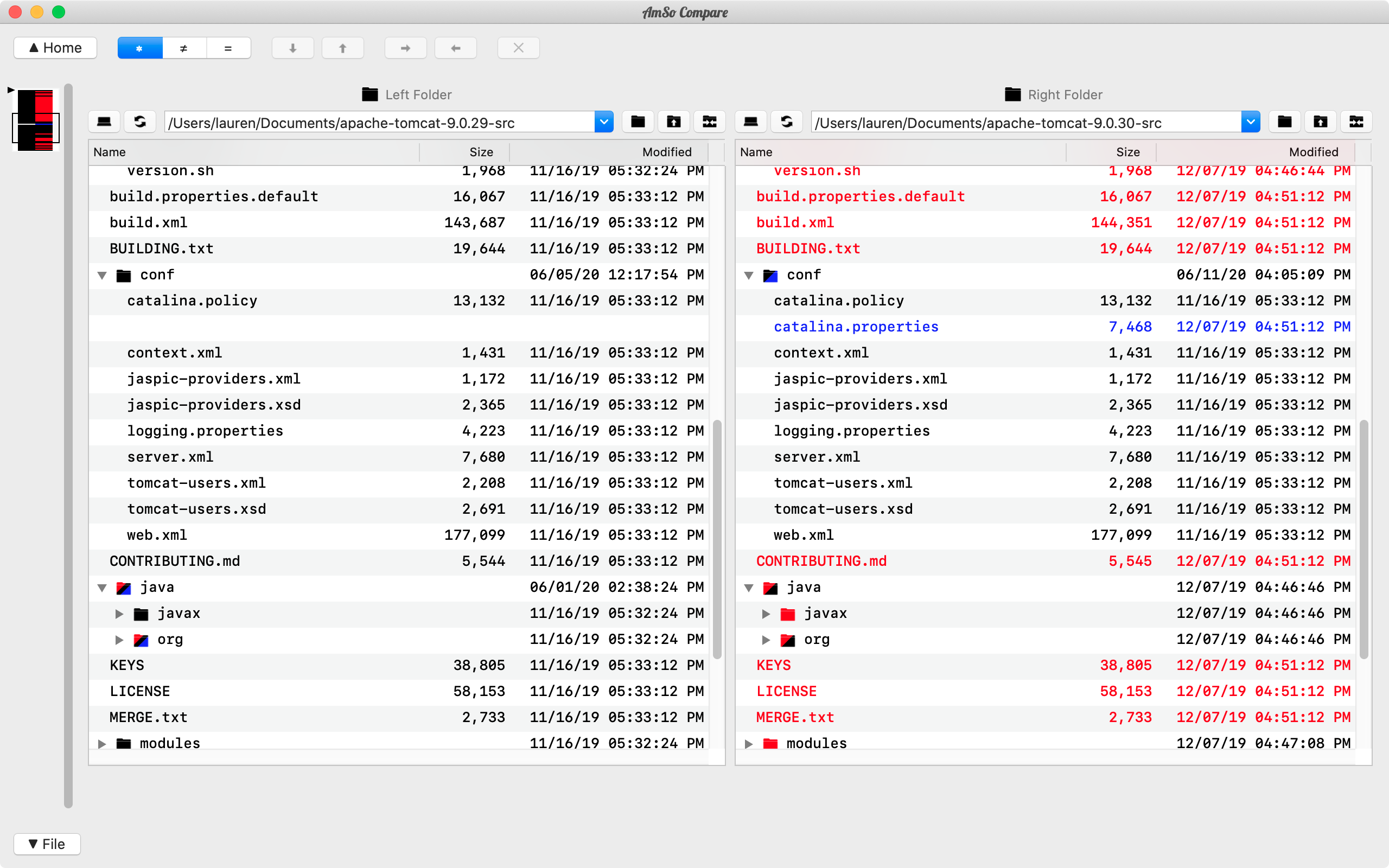
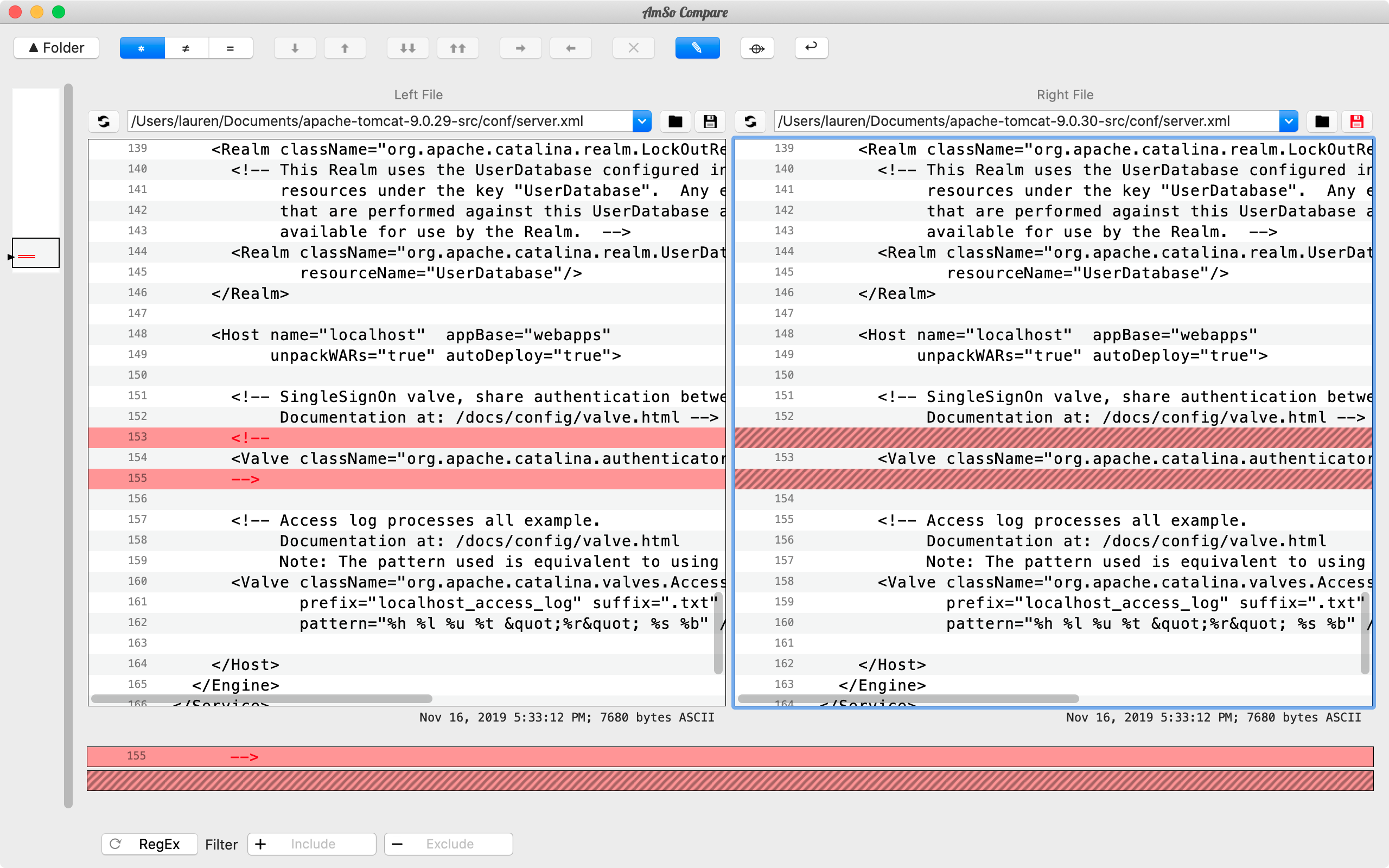
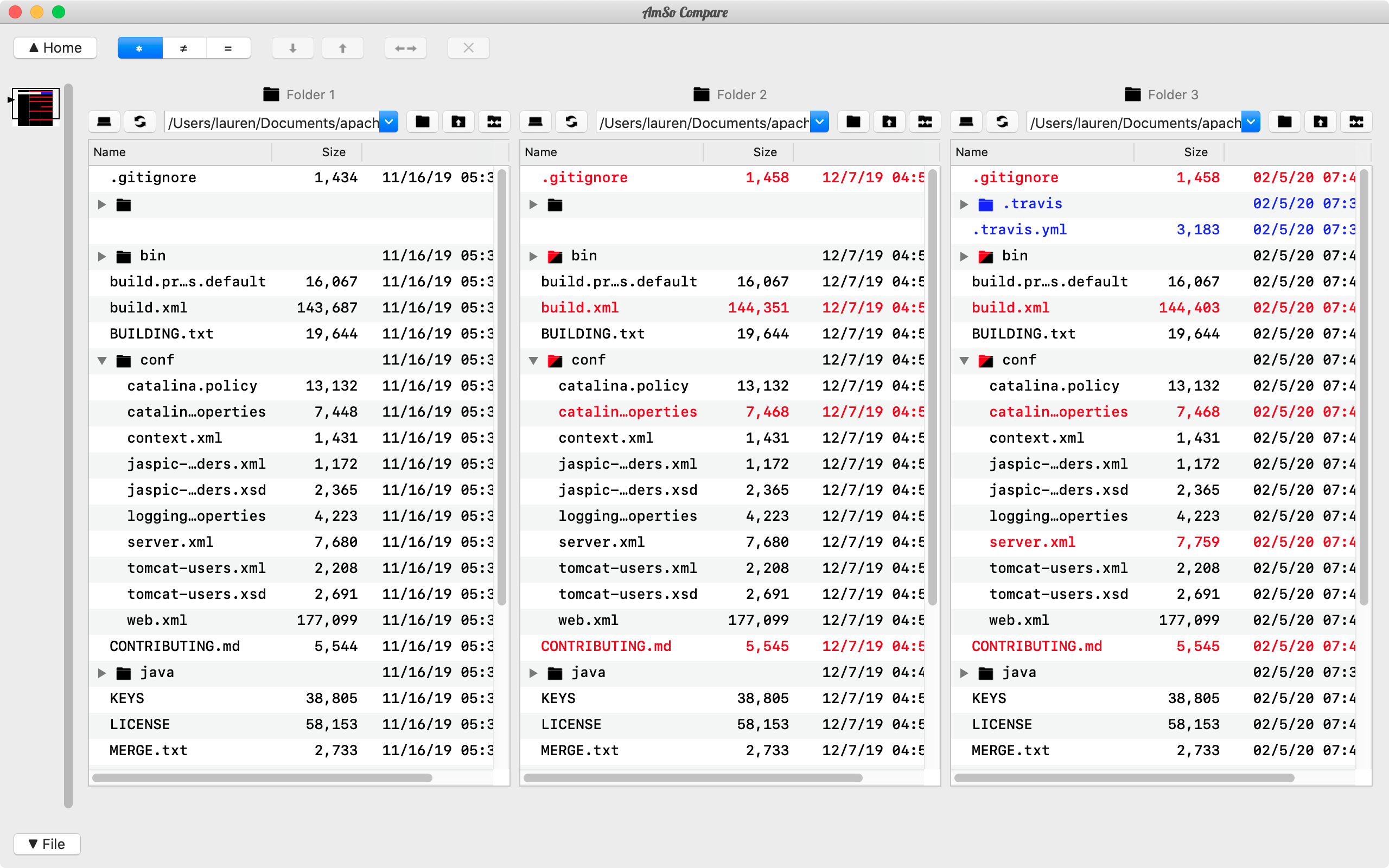
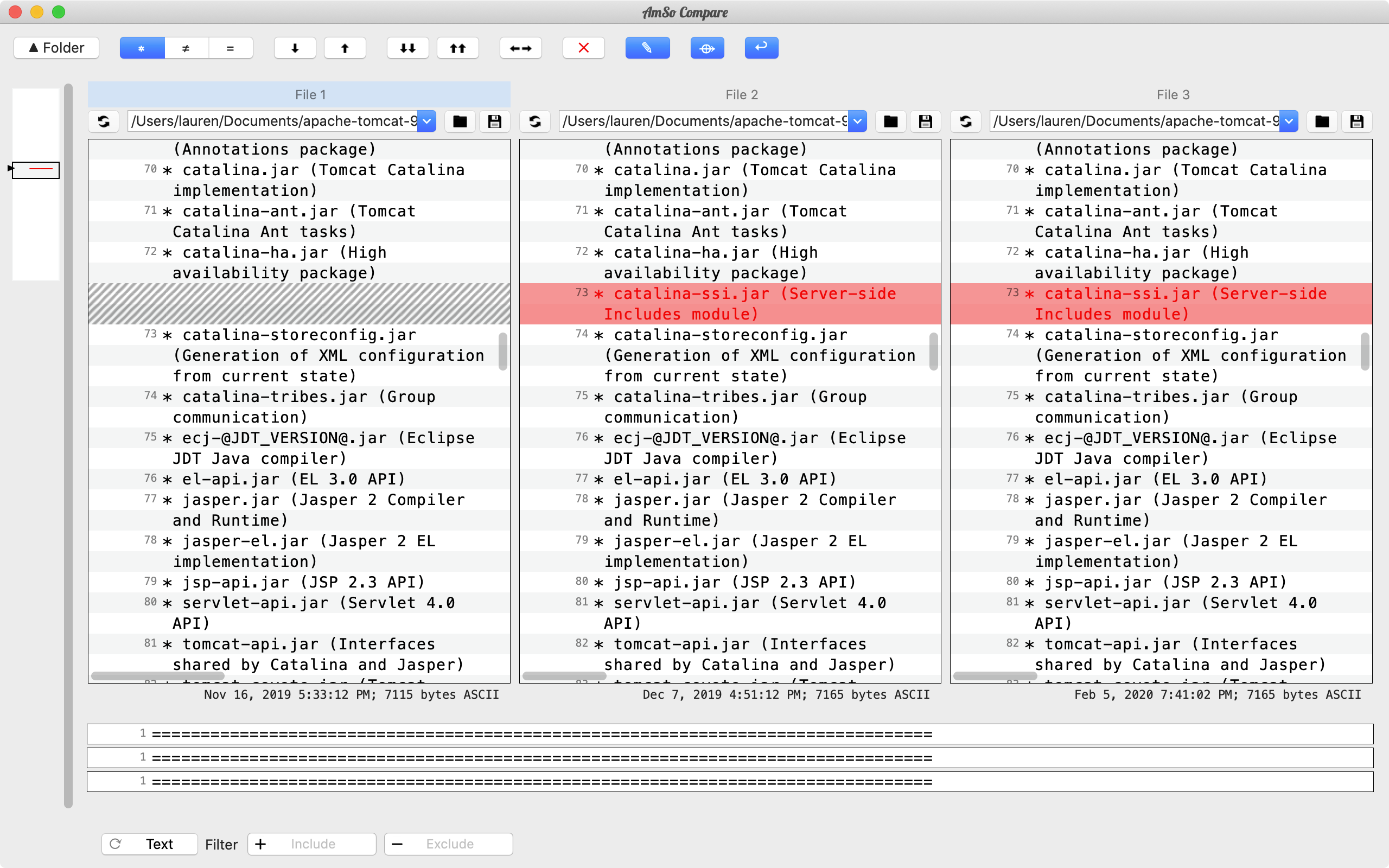
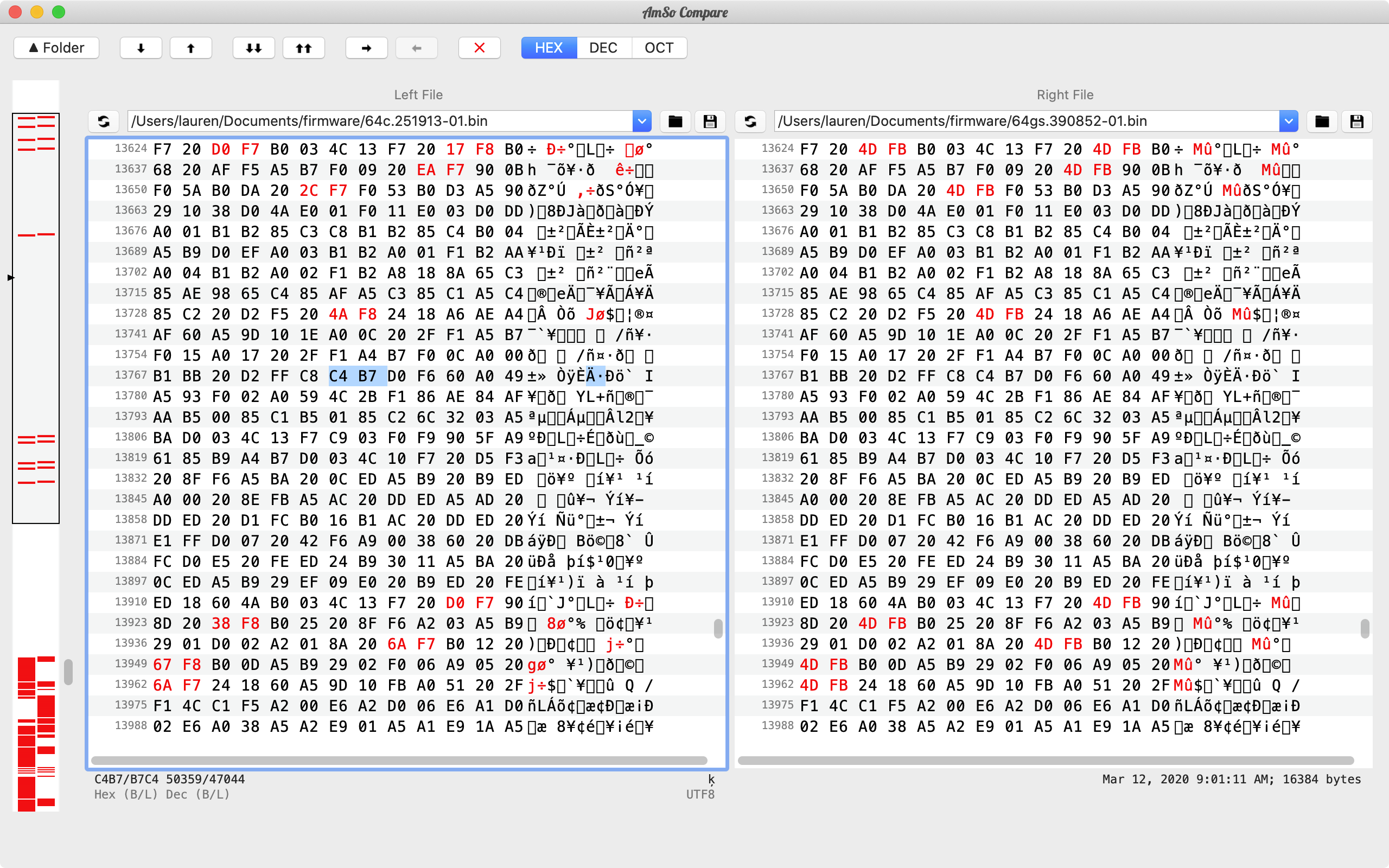
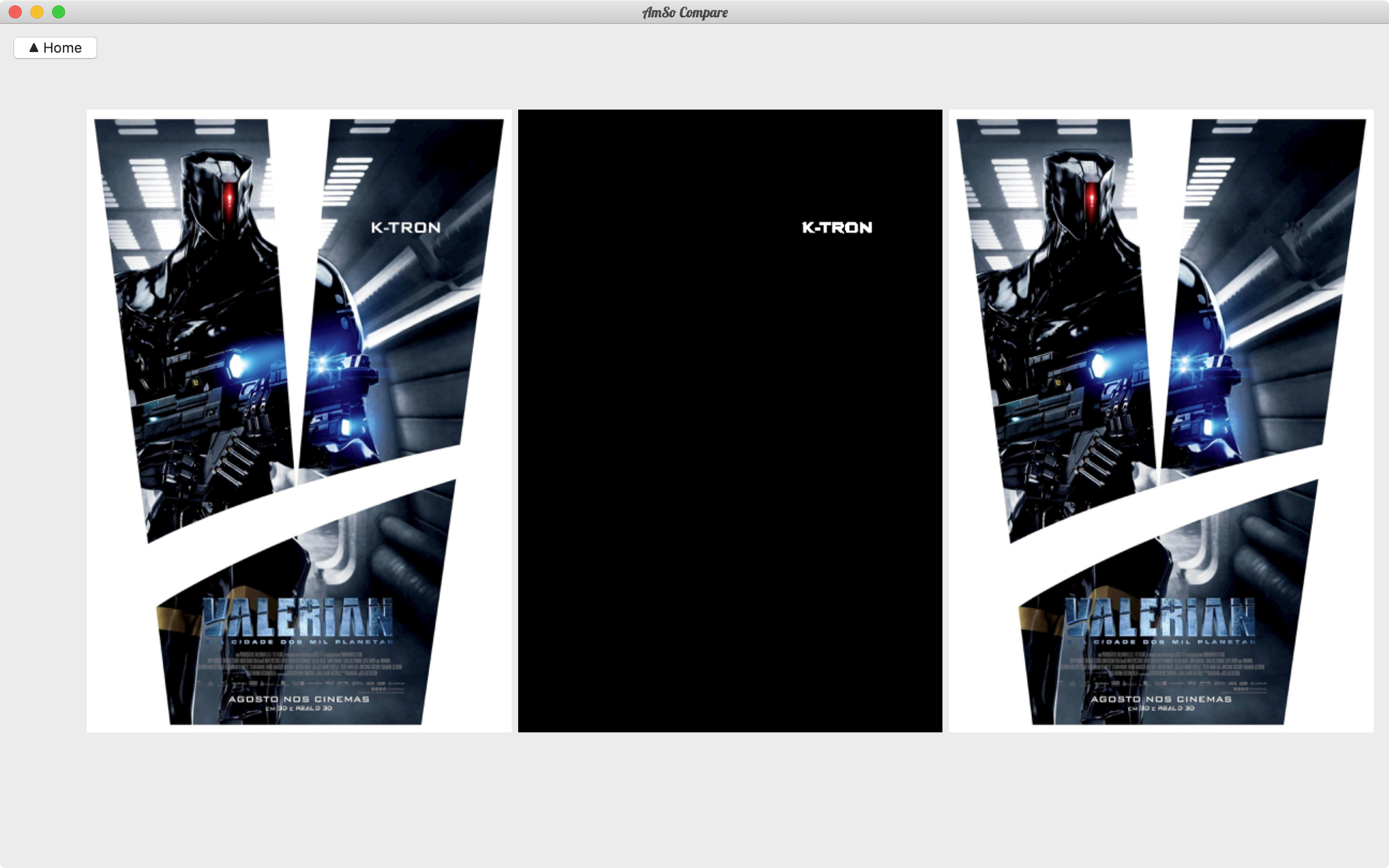
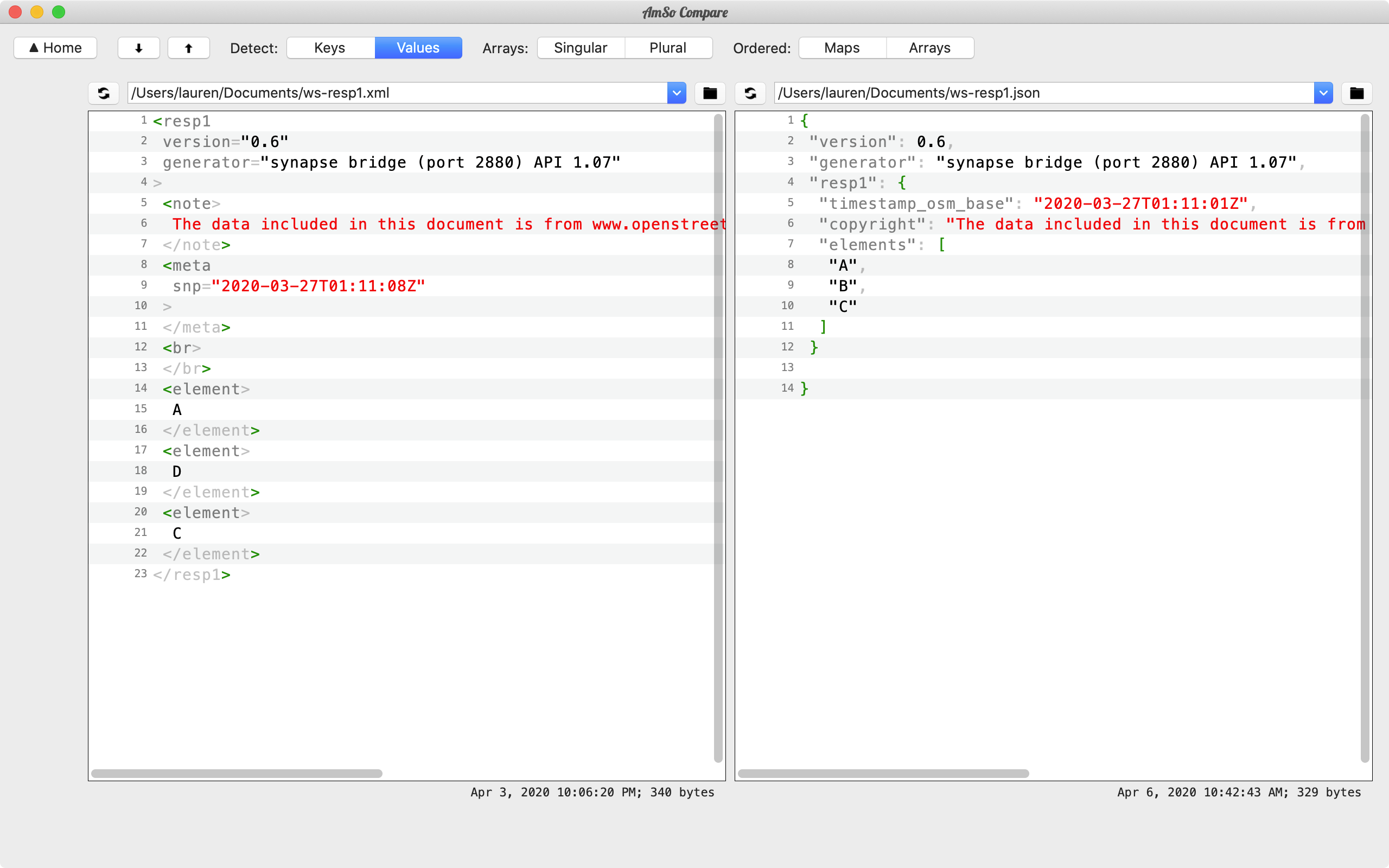
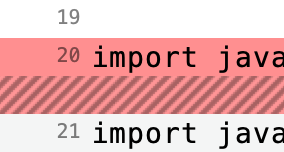
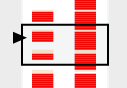
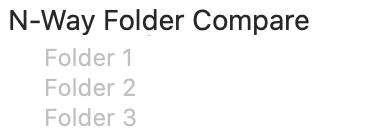
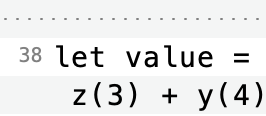
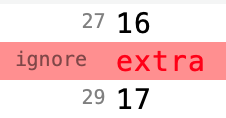
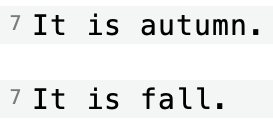
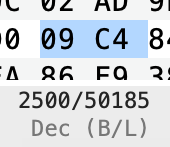
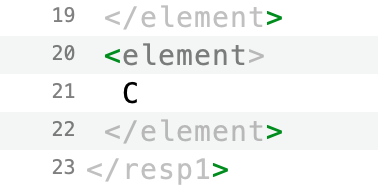
AmSo Compare allows for 3-Way and N-Way comparison and editing of folders, text-based, and binary file content. It also has custom comparison viewers for images, structured web-services data (JSON and XML). When editing file content, the modifications can be made on line basis or using AmSo Compare's built-in inline editor. The comparison supports expert features such as text replacements, ignore/isolate, and manual alignments. Such features can be made persistent or used for the current comparison session.

Merge Folders and Files
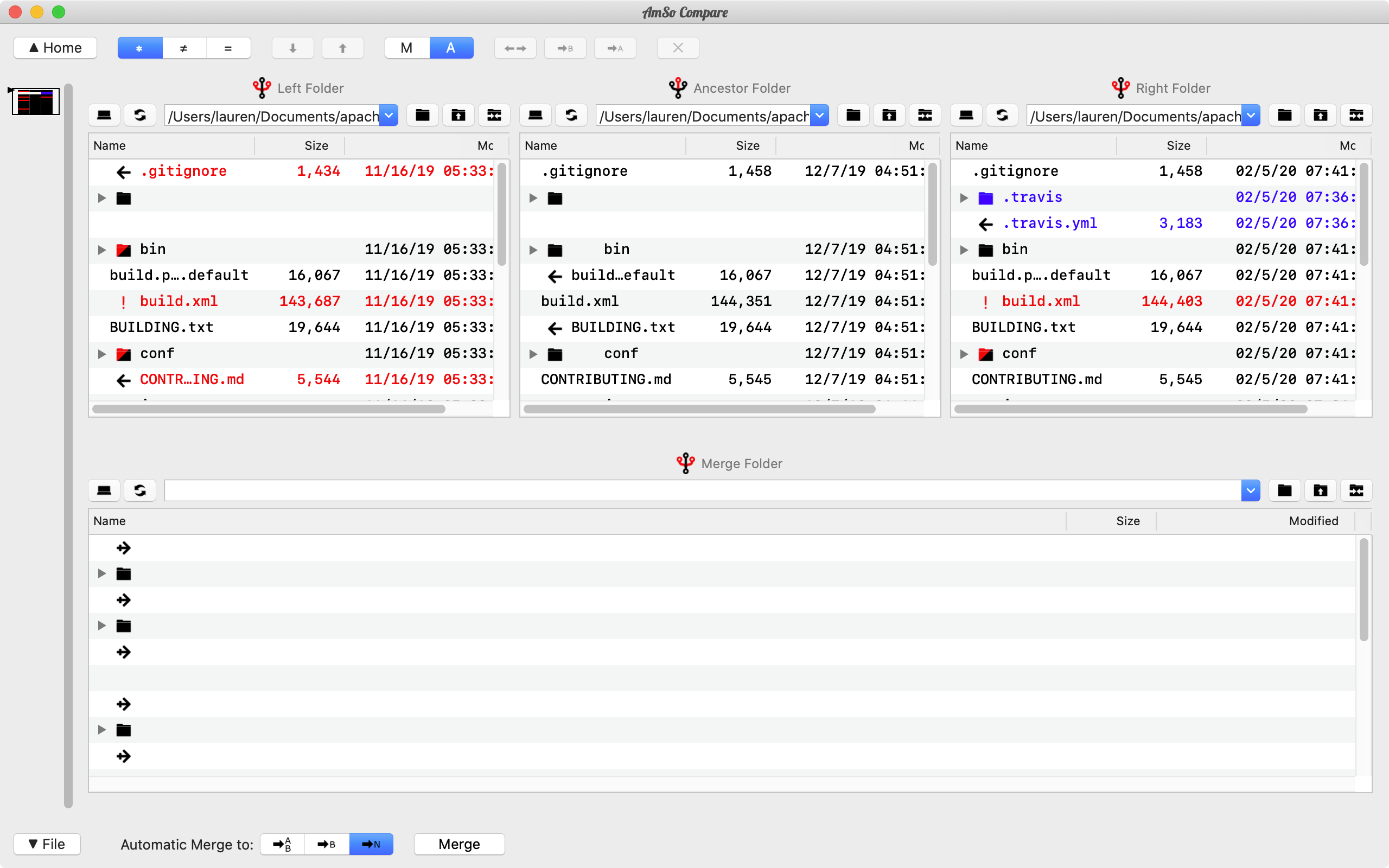
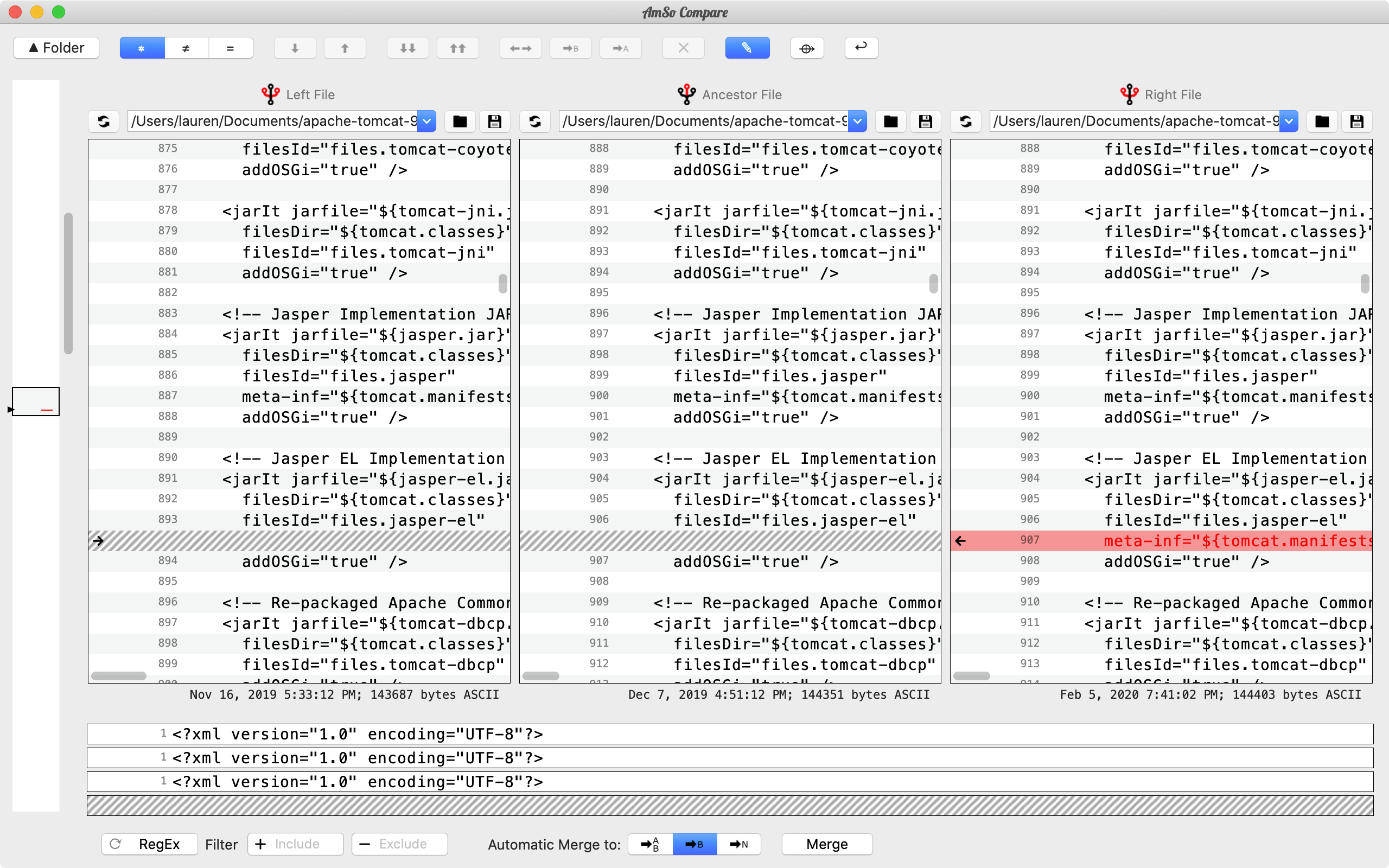
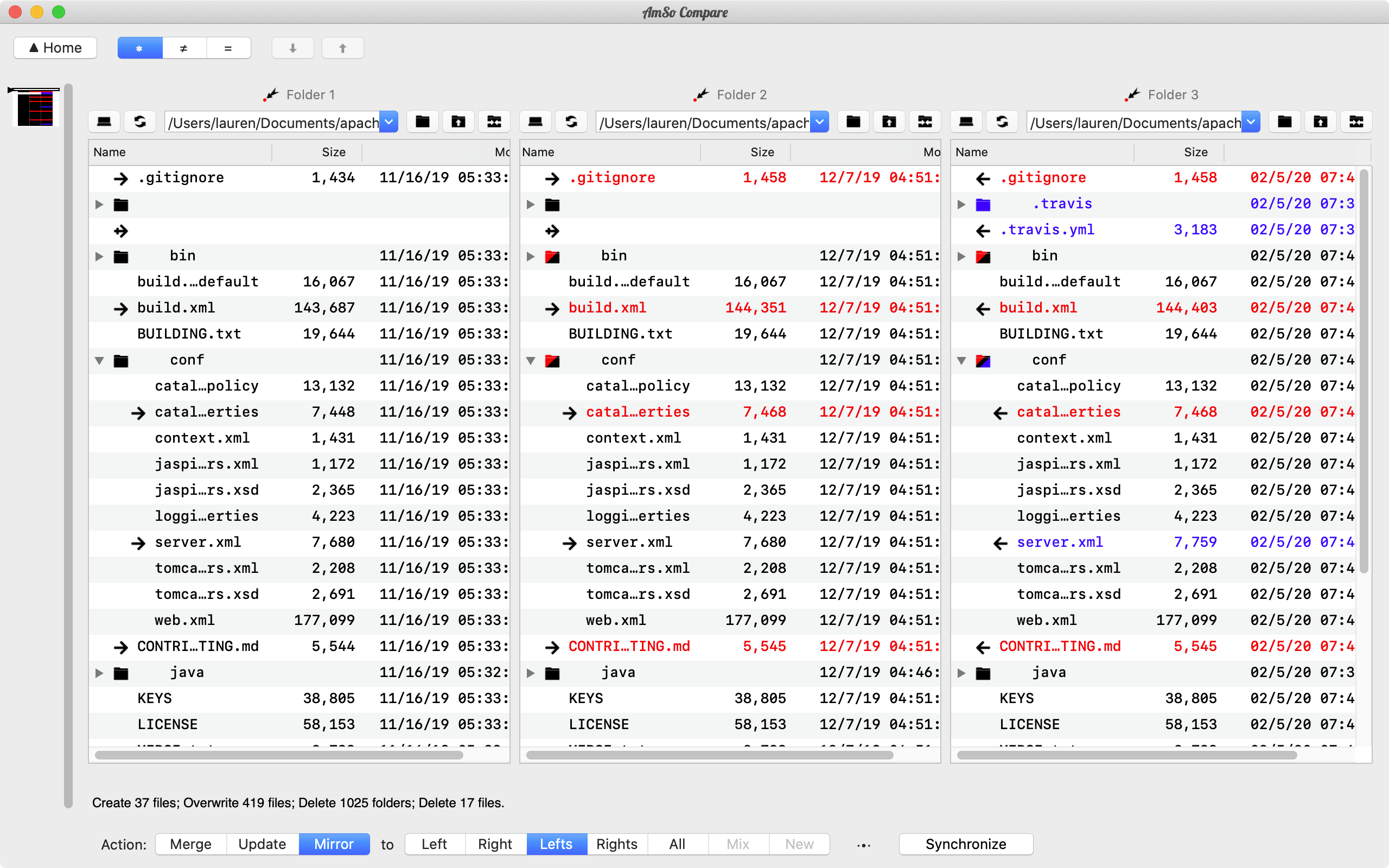
AmSo Compare features automated 3-Way and N-Way merges. The merging feature provides a preview summary as well as full inline editing features that the comparison text viewers provide. The 3-Way merge features a traditional layout of Ancestor in the middle and the N-Way merge has the Ancestor on the left and allows a number of branches to be merged, with maximum of either eight or the number of editors that fit on your display. Merging can be outputted to the Ancestor, Branches, or a prepared destination location.
Sync Folders and Files
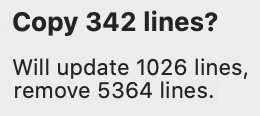
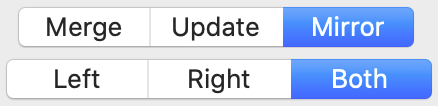
AmSo Compare allows for N-Way folder synchronization. Synchronization can consist of merging folders, updating changes, or full mirroring.
Time Machine Compare
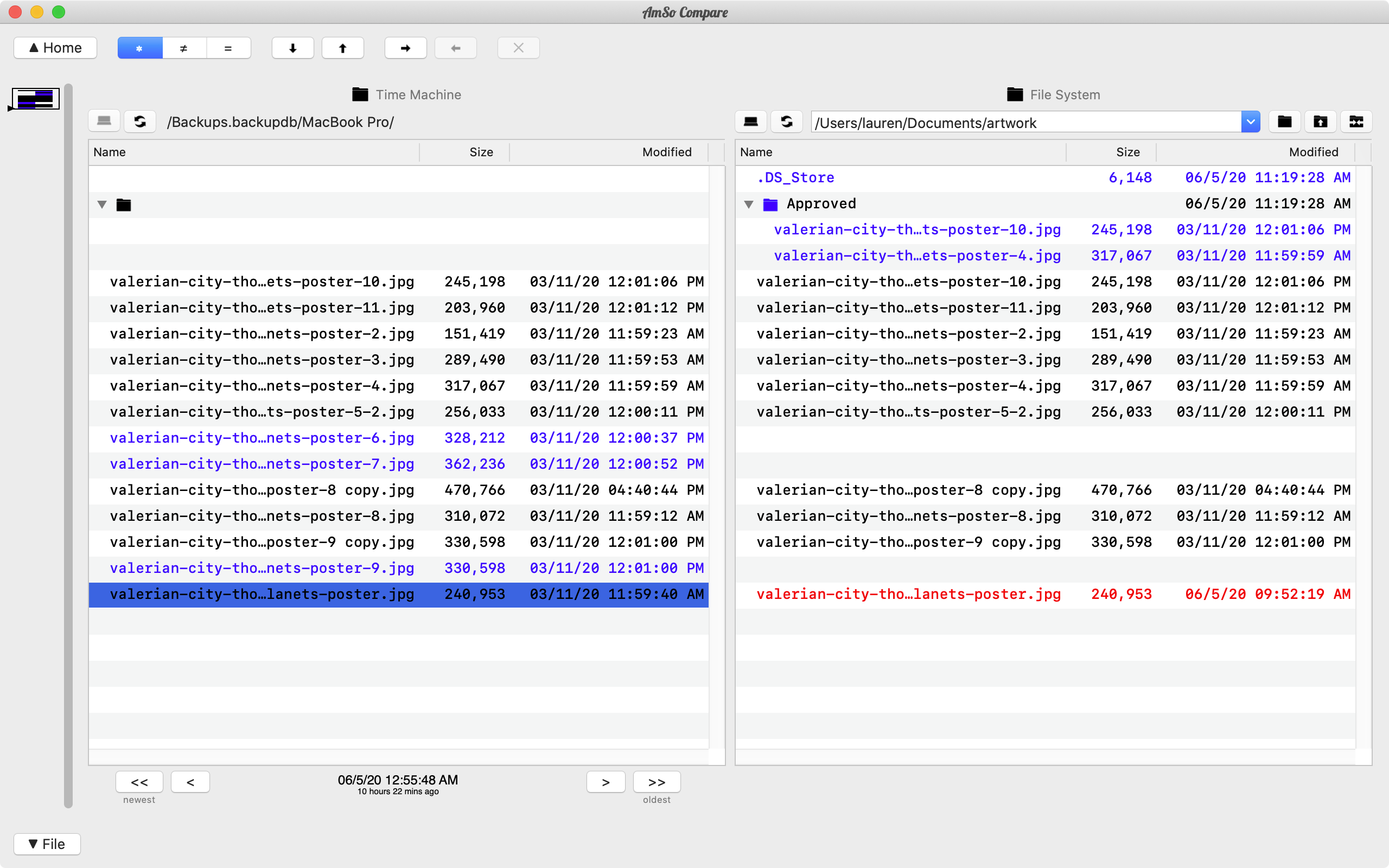
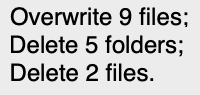
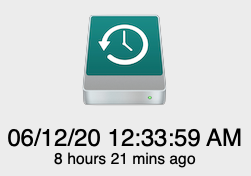
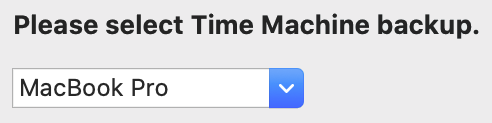
AmSo Compare allows for comparing against the files in your Time Machine backup. (Note: Time Machine backups are read-only, you cannot modify Time Machine data)
Formatting
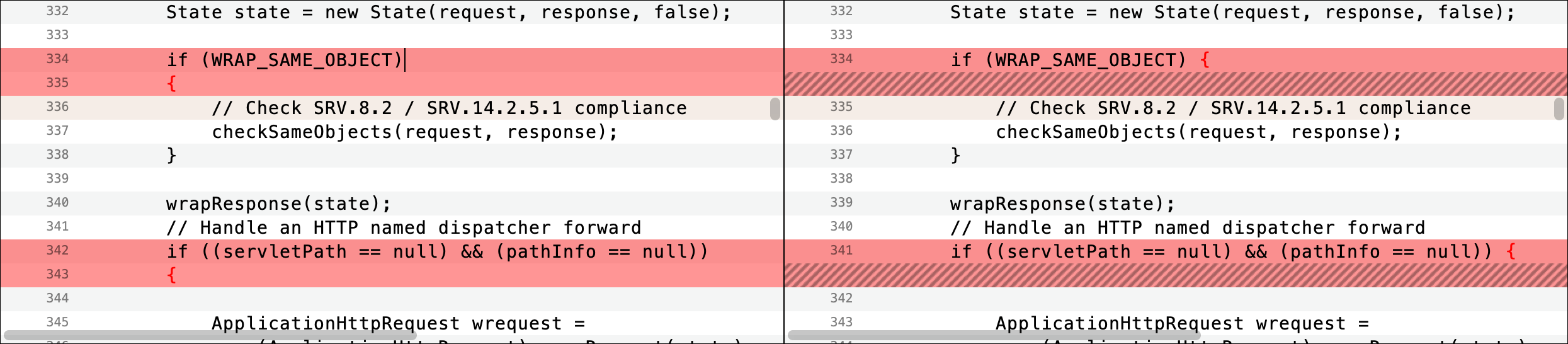
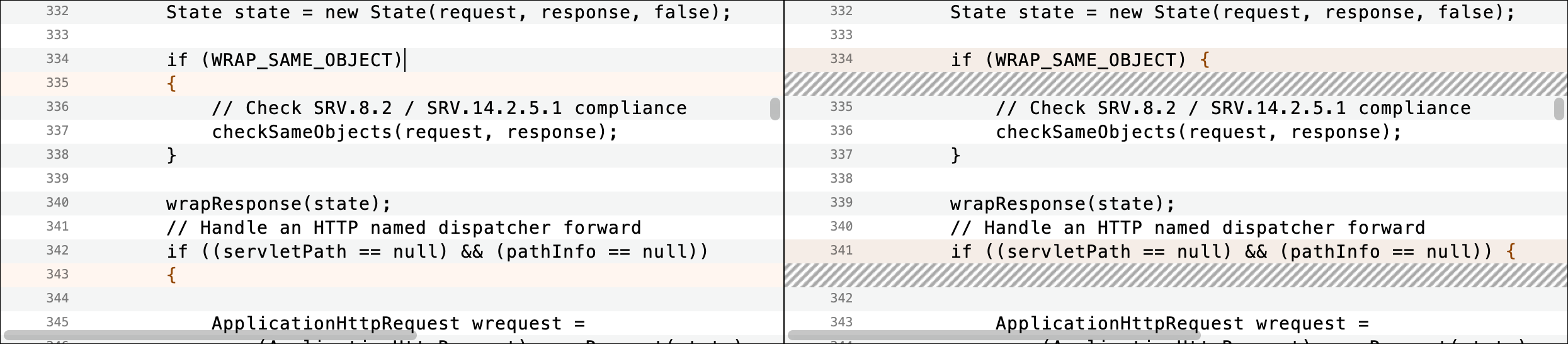
AmSo Compare not only compares line by line as a typical diff tool would but can compare across multiple lines, making it easy to keep individual preferences (such as coding style, line width, text formatting) yet make meaningful comparisons.
Security
Unlike downloaded apps which have unlimited access to your hardware, AmSo Compare is installed and works within the MacOS sandbox giving you full permissions control. It also minimizes use of third party libraries, significantly reducing chance of misbehavior by a buggy external library.
Notes
- N-Way operations are generally limited by display area and not suitable for small displays.
- Updates are free to current < version 2.0 users.
- AmSo Compare version 2.0 requires macOS Ventura or newer.
- Please see support page for contact and support information.